Tools covered
Cursor · Claude Code
Plus Copilot, Windsurf, and custom MCP
Vibe coding · Cursor · Claude Code · AI workflows
I audit how your team uses AI coding tools today — rules, context, MCP servers, review habits, and guardrails — so you get speed without shipping fragile code or leaking secrets.
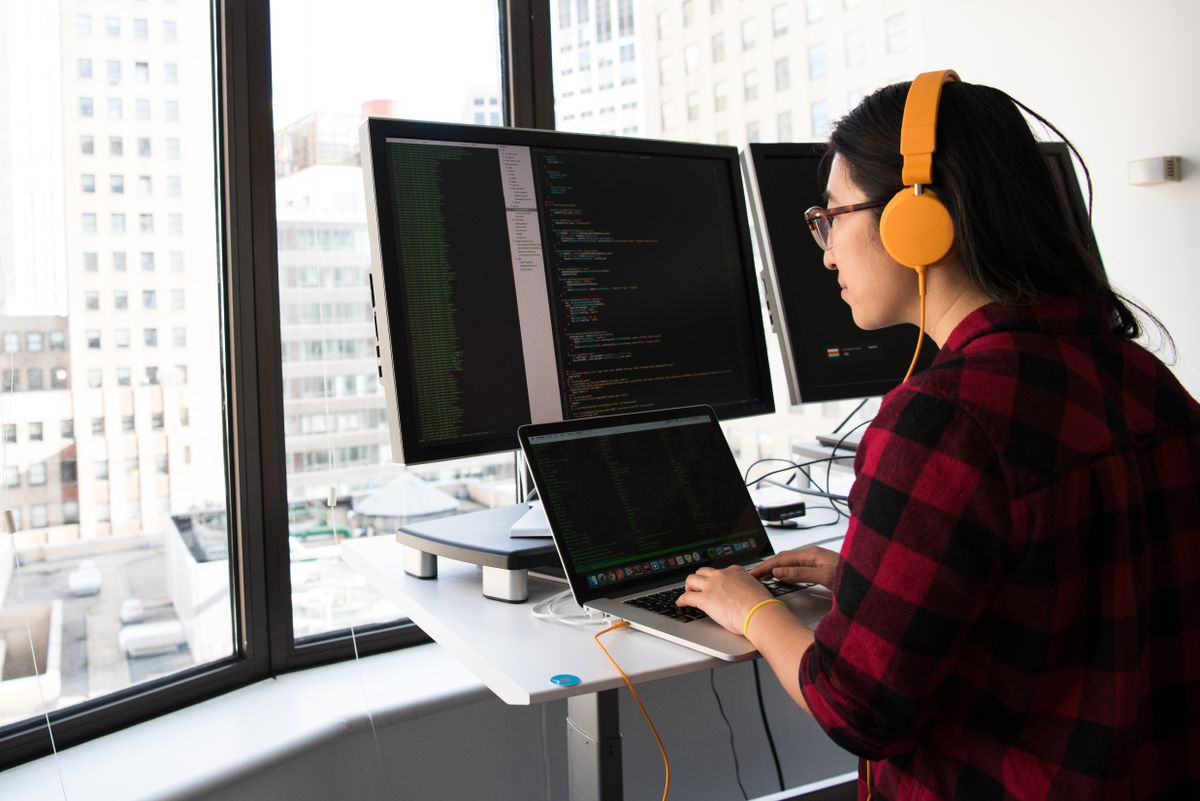
Teams adopt Cursor or Claude Code quickly, then hit uneven results: some engineers 3x output, others fight hallucinations, and nobody agrees on when AI-generated code is “done.”
I audit your vibe coding setup end to end — editor config, project rules, context strategy, MCP integrations, PR review norms, and how AI fits your stack and compliance needs.
You leave with a tailored playbook: what to automate, what still needs human judgment, and how to measure whether AI is actually helping velocity and quality.
Tools covered
Cursor · Claude Code
Plus Copilot, Windsurf, and custom MCP
Team size
1–50 engineers
Startups through scale-up eng orgs
Format
Remote
Workshops and async repo review
Cursor rules, Claude Code settings, ignored paths, model choices, and cost controls.
How your repo is indexed, what docs agents see, and patterns that reduce wrong assumptions.
When to use agent mode vs inline, test expectations, and security boundaries.
Training outline, champions model, and metrics to track adoption health.
Frequency of issues found during vibe coding setup audits.
Cursor and Claude Code are the focus, but I also cover Copilot, Windsurf, and custom MCP setups your team already uses.
Yes. The audit includes recommended rules tailored to your stack, conventions, and compliance needs.
See the separate AI tools for work offering. This audit is optimized for software teams shipping production code.
Yes. Workshops and ongoing vibe coding coaching are available — see vibe-coding-training-for-teams on this site.
Tell me your stack, team size, and which AI tools you use today. I will propose an audit and enablement plan.