Hi, my name is Tom Smykowski, I'm a staff full-stack engineer. I build and scale SaaS platforms to millions of users, working end-to-end from system architecture to frontend to mobile. On this blog I share what I learn about integrating e-commerce platforms and optimizing analytics.
What This Article Covers
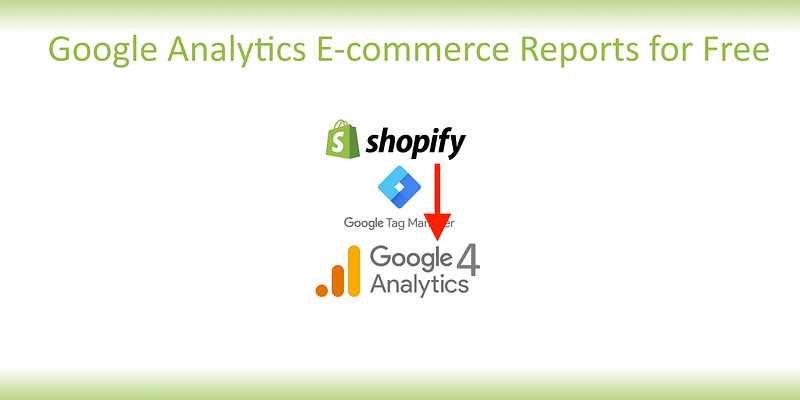
This article delves into the process of connecting Shopify's e-commerce events to Google Analytics 4 using Google Tag Manager. It provides a step-by-step guide on configuring this integration without the need for expensive add-ons, ensuring you can track and analyze customer interactions effectively. You'll gain insights into necessary data formats and how to navigate the intricacies of Google Tag Manager to streamline your analytics setup.
Questions This Article Answers
- How can I connect my Shopify store to Google Analytics 4 using Google Tag Manager?
- What are the specific data fields required by Google Analytics 4 for e-commerce tracking?
- How does Google Tag Manager facilitate the transfer of data from Shopify to Google Analytics?
- What are common pitfalls to avoid when setting up this integration?
- How can I verify that my e-commerce events are correctly being tracked in Google Analytics 4?
Length and Time
A comprehensive walkthrough with practical examples and troubleshooting tips. Approximately 12 minutes to read.